|
 |
|
|
| |
| You are here: Home » Import CAD Formats » AutoCAD-Revit-Navisworks (DWF-3D) |
|



Support: 905-672-9328 Copyright © 2024 Okino Toronto, Ontario, Canada.  |
 |
|
 Overview Overview |
This section demonstrates various aspects of the Softimage-3D import converter, in particular its ability to import meshes, NURBS patches and bicubic patches.
If anyone would like to lend us their Softimage datasets for rendering then we would be happy to place the rendered images on this page and provide a WEB link to your company.
| Motorcyle Mesh |
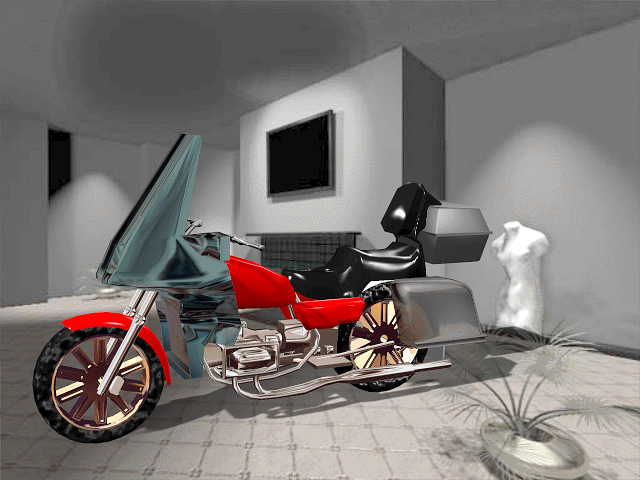
The Softimage import converter can import all aspects of a Softimage polygonal mesh, including normals, u/v texture coordinates, global or local material assignments and global or local texture assignments.
The following image is a rendering of a Viewpoint Datalabs motorcycle imported into and rendered with Okino's NuGraf software. The interesting aspect about this image is that the room is actually a bitmap image placed in the background (it is from the MAXREAL demo CDROM). The shadows are cast onto the imaginary floor using NuGraf's "shadow catcher" shading mechanism.
| Bezier Patch Teapot |
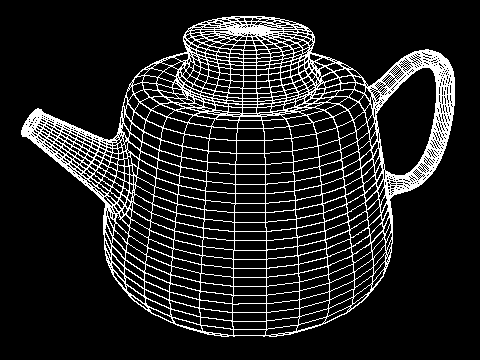
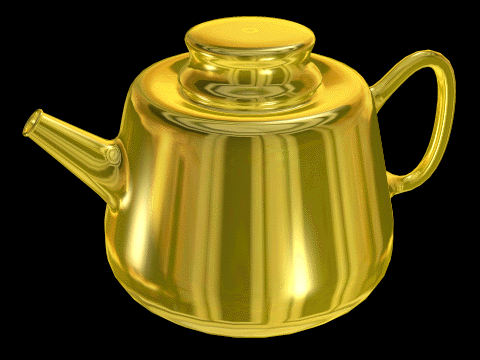
The Softimage import converter has the ability to import all forms of Softimage bicubic patch primitives (Bezier, B-Spline and Cardinal), including patches which are closed in the U and/or V direction (the Softimage import converter 'wraps' control points to emulate closed Softimage patches). The following two images are of a teapot created with multiple Bezier patches and rendered with Okino's NuGraf software.
| NURBS Patches |
The Softimage import converter has the ability to import NURBS patches with trimming curves (the current release of the Softimage may or may not have the trimming curve option enabled at this time).
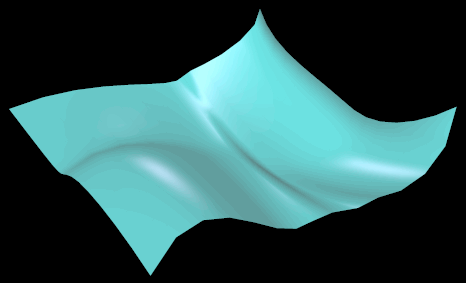
The following image is a rendering of a NURBS patch that was created in Softimage from four NURBS curves (it is a "bi-rail" surface). The image was rendered with Okino's NuGraf software.
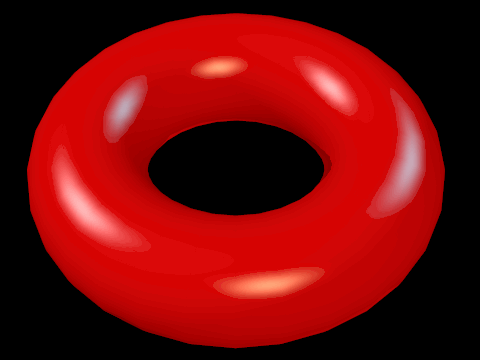
The following image is a rendering of a NURB torus primitive that is wclosed in the U and V direction. It demonstrates the import converter's ability to convert from the non-standard "closed" NURB knot vector used by Softimage to the more typical open/clamped/periodic knot vector used by most other 3d geometry and rendering packages. The u = v = 0 location is at the right side of the torus: